Creating a productive home office space is essential for anyone working remotely or spending significant time on tasks at home. A well-designed workspace can enhance your focus, reduce distractions, and make your workday more enjoyable. If you’re looking to improve your home office setup, here are practical tips to help you create an environment that supports productivity and comfort.
Choose the Right Location
Selecting the best spot for your home office is the first step towards productivity.
– Find a Quiet Area: Choose a place with minimal noise and distractions, ideally away from busy household zones.
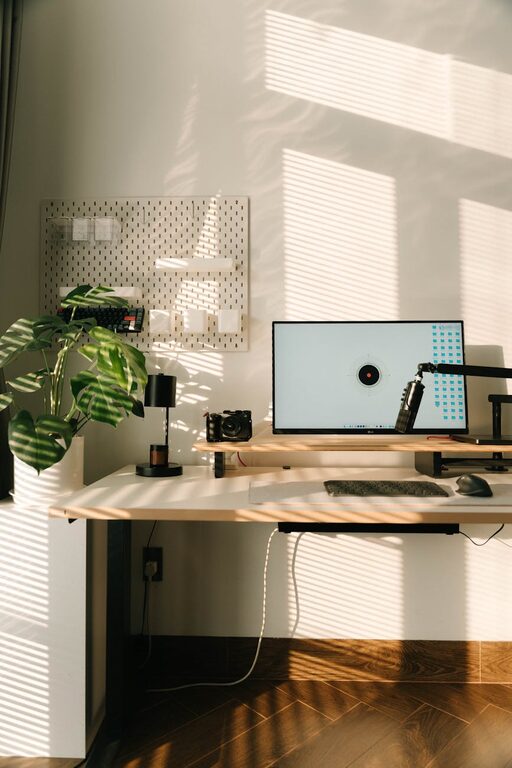
– Consider Natural Light: Position your desk near a window if possible. Natural light can boost mood and reduce eye strain.
– Check Wi-Fi Strength: Ensure your chosen space has a reliable internet connection to avoid disruptions.
Invest in Ergonomic Furniture
Comfort plays a significant role in maintaining focus and preventing fatigue.
– Ergonomic Chair: Choose a chair that supports your back and encourages good posture.
– Proper Desk Height: Your desk should allow your arms to rest comfortably at a 90-degree angle.
– Adjustable Setup: If possible, use a sit-stand desk to vary your posture throughout the day.
Organize Your Workspace Efficiently
Clutter can harm productivity. Keeping your space tidy helps maintain focus.
– Declutter Regularly: Remove unnecessary items and keep only what you use daily.
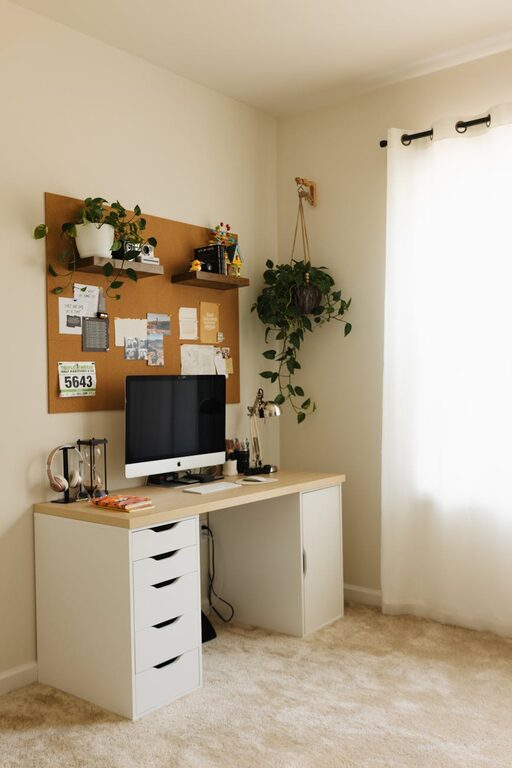
– Use Storage Solutions: Shelves, drawers, and organizers keep documents and supplies in place.
– Label Items: Clearly labeling storage areas helps you quickly find what you need.
Manage Lighting Effectively
Lighting affects your energy and comfort.
– Avoid Glare: Position your monitor to avoid glare from windows or overhead lights.
– Use Task Lighting: A desk lamp can provide focused light, especially for reading or writing.
– Balance Warm and Cool Lights: Combining different light sources can reduce eye strain.
Minimize Distractions
Staying focused means controlling your environment.
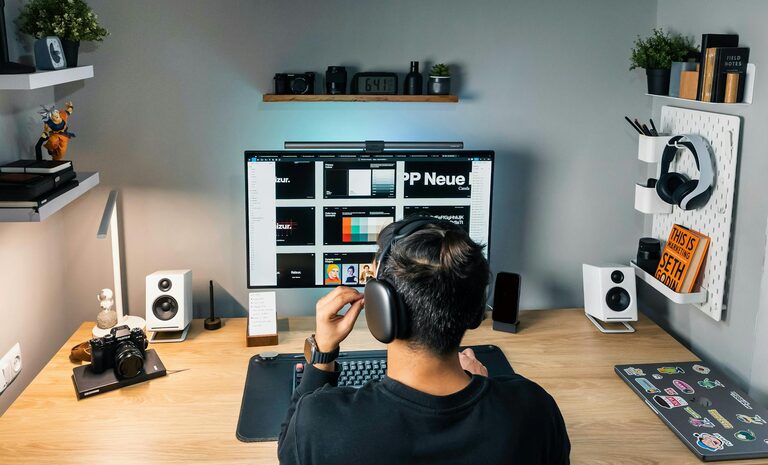
– Use Noise-Cancelling Headphones: These can help block out household noise or street sounds.
– Set Boundaries: If others share your space, communicate your work hours and need for uninterrupted time.
– Turn Off Non-Essential Notifications: Silence phone alerts or app notifications during work periods.
Personalize Your Space
Your office should feel inviting but not distracting.
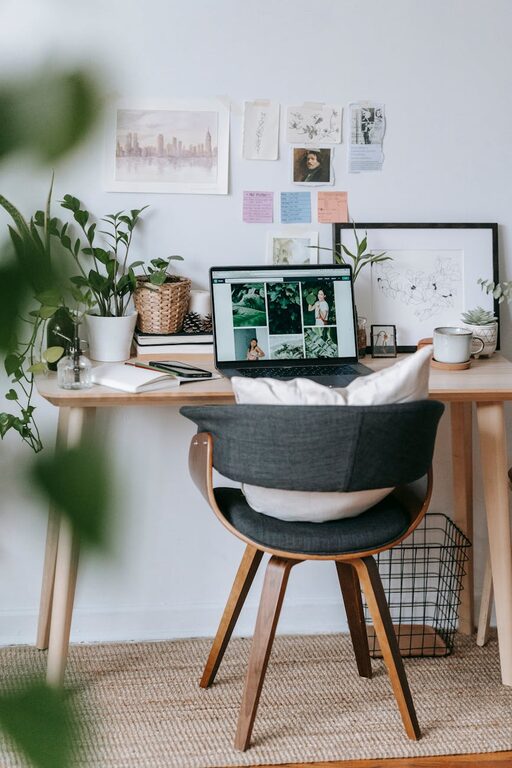
– Add Plants: Greenery can improve air quality and create a calming atmosphere.
– Incorporate Inspiring Decor: Motivational quotes or art can boost positivity.
– Choose Comfortable Colors: Soft, neutral colors often help maintain calm and focus.
Establish a Routine
A dedicated space supports forming consistent work habits.
– Set Work Hours: Keep regular start and finish times to separate work from personal life.
– Take Breaks: Step away from your desk periodically to rest your eyes and stretch.
– Create a Start-Up Ritual: Simple habits like making coffee or reviewing your to-do list prepare your mind for work.
Equip Your Office with Technology
Having the right tools can streamline your tasks.
– Reliable Computer and Accessories: Invest in quality hardware suited to your work needs.
– Fast Internet: Ensure your connection supports video calls and online collaboration.
– Backup Power: Consider a surge protector or UPS to avoid data loss during outages.
—
By thoughtfully setting up your home office, you create an environment that supports your well-being and work efficiency. Start with the basics—location and comfort—and gradually personalize your space to suit your working style. With these tips, your home office can become a place where productivity thrives.